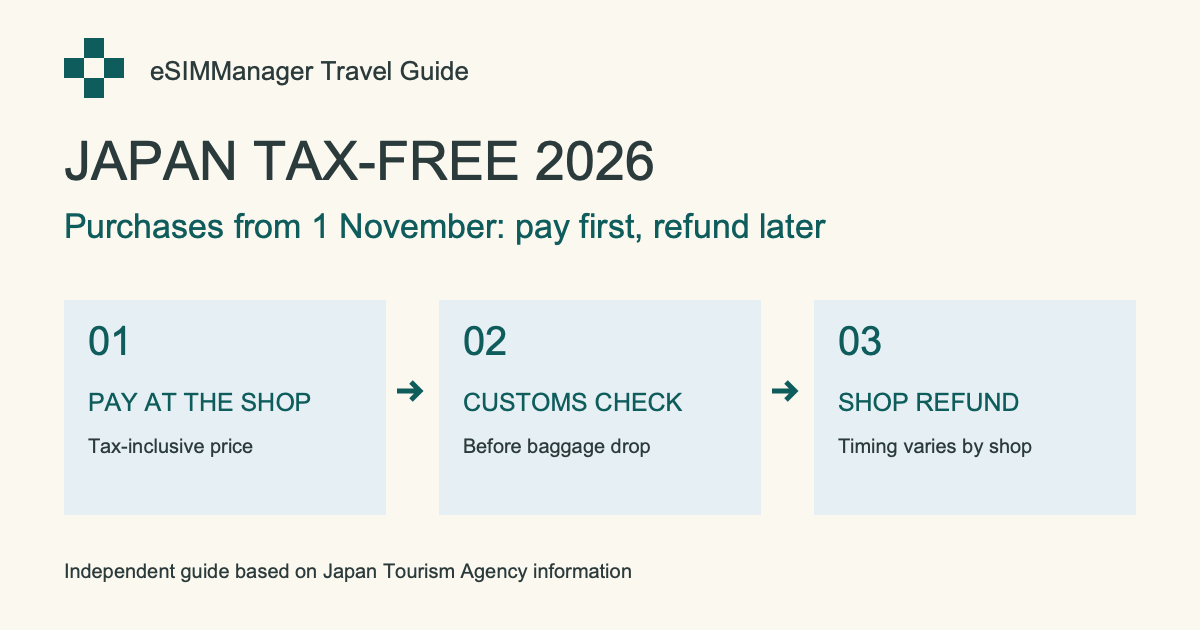
Staged travel checks
See the right steps before departure, after arrival, and on return. The checklist records your confirmations; it cannot change iPhone mobile-data or roaming settings.
Not tied to any single eSIM brand. You can compare and choose a plan that fits your budget and trip, then use eSIMManager to organize multiple cards, activation information, and expiration dates in one place. Complete the first 3 confirmations before departure, and 2 activations and connection confirmations after arrival; the actual settings, installation, and usage are still based on the official information of iOS and the supplier.
Version 1.8 is available on the App Store. Core management remains free. The app includes ads and an optional one-time Remove Ads Forever purchase; it is not a subscription.
See the right steps before departure, after arrival, and on return. The checklist records your confirmations; it cannot change iPhone mobile-data or roaming settings.
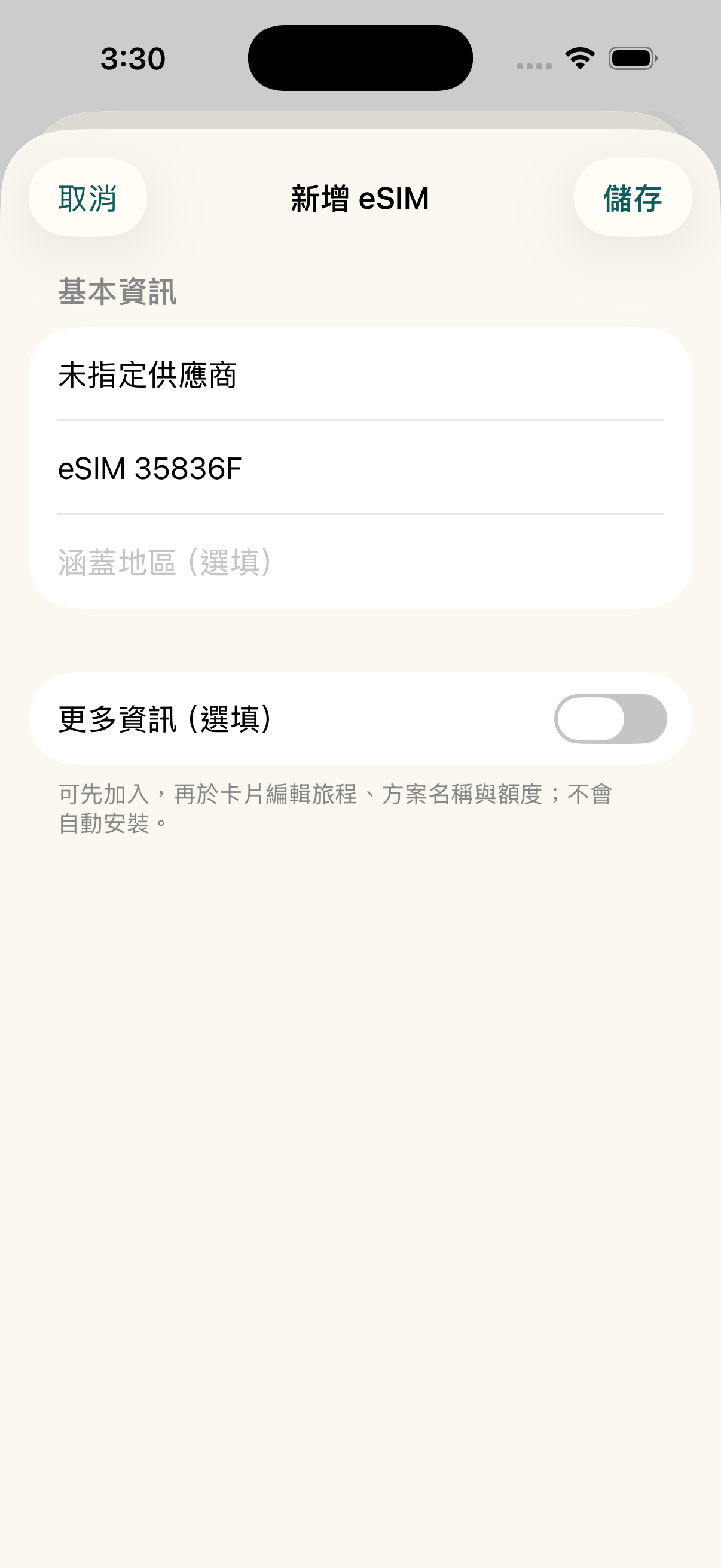
Recognize multiple eSIM QR codes from an image or PDF, select the entries you need, and check for duplicates before saving.
Ads are served by Google AdMob and depend on platform verification and available inventory. If an ad does not load, management features remain available. Apple displays the local price before the one-time purchase.
Thank you for helping us bring eSIMManager to Android. Early testers who complete their closed-testing contribution will receive the full Android version after launch: all current management features plus permanent ad removal.
After launch, we will verify testing contributions and contact eligible testers with redemption instructions; clicking a link does not unlock the benefit automatically. Android App only; excludes eSIM data plans, iOS benefits and future paid services.
No single supplier, no subscription thresholds, to help you organize dispersed travel eSIM information into a safe departure process.
Whether you get an eSIM from a travel platform, carrier, or other trusted outlet, you can organize the available activation information into an app. Offer prices, inventory, and service content will still be based on the vendor page you select.
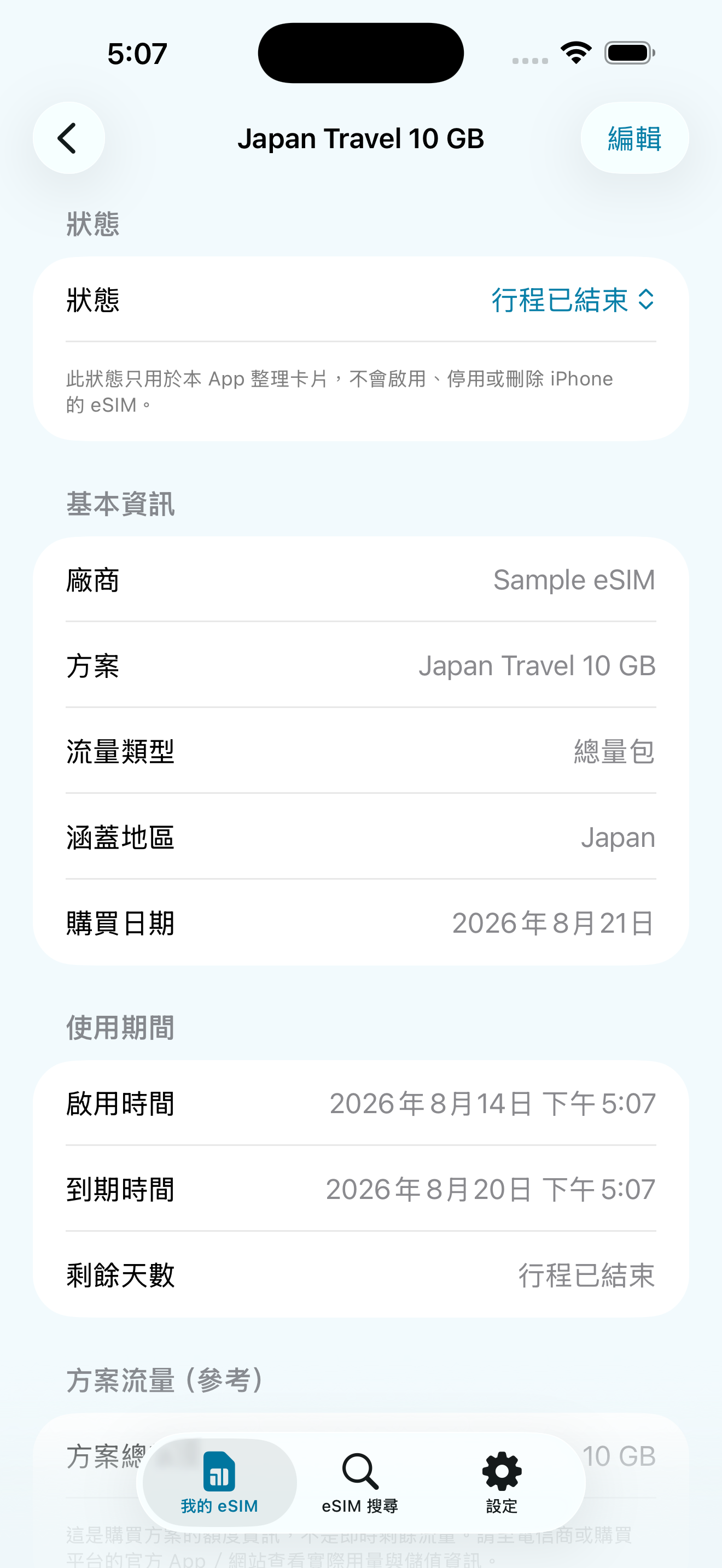
Keep the QR Code, LPA activation information, where applicable, expiration date, and memo in one place. Data is stored locally on your device; you can back up, share, or mark a trip as ended as needed.
There is no card-count limit. Installation guidance, pre-departure checks, expiry countdowns, and on-device usage estimates remain free. Version 1.8 includes ads and an optional one-time purchase to remove them. iPhone mobile-data and roaming settings must still be confirmed in iOS.
Explore the main workflows and usage limitations through screens from the released app.
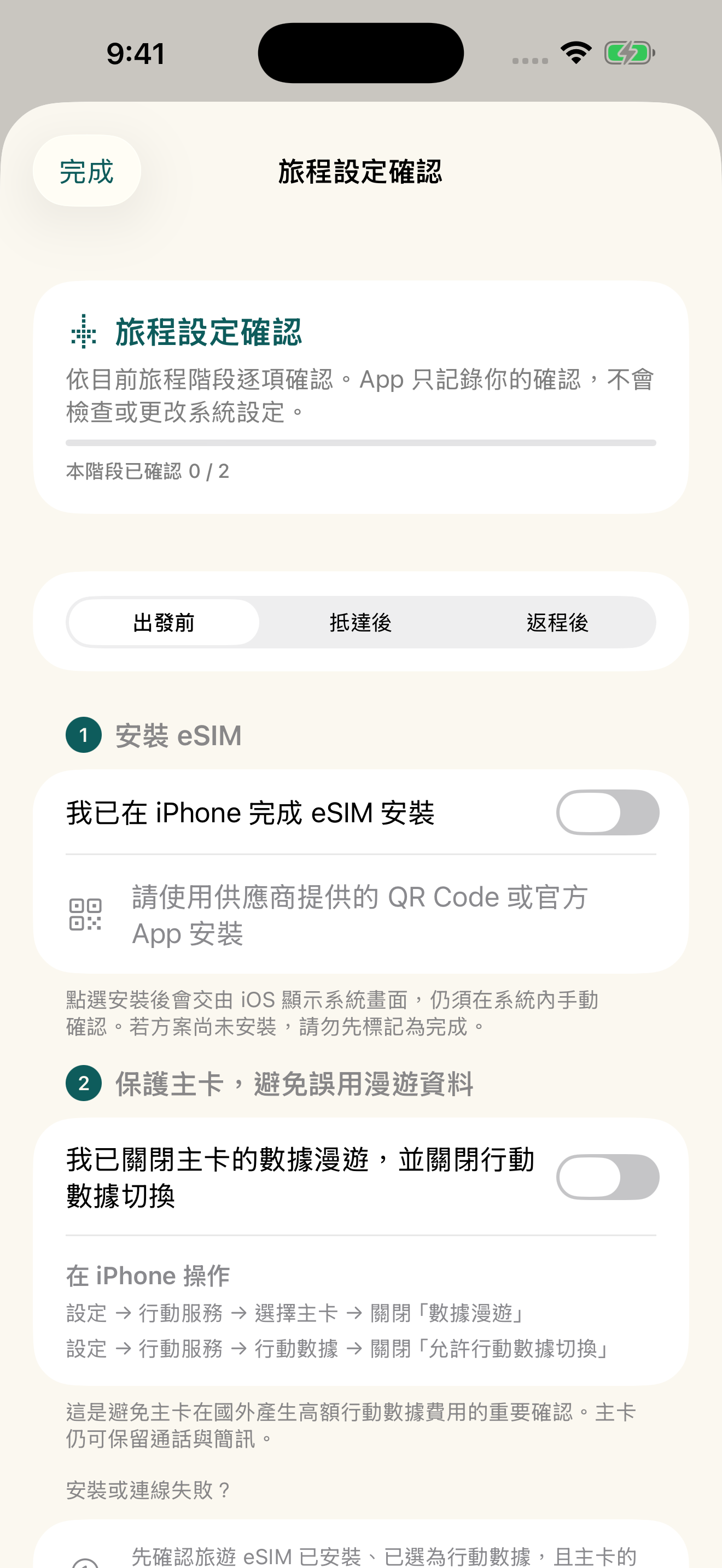
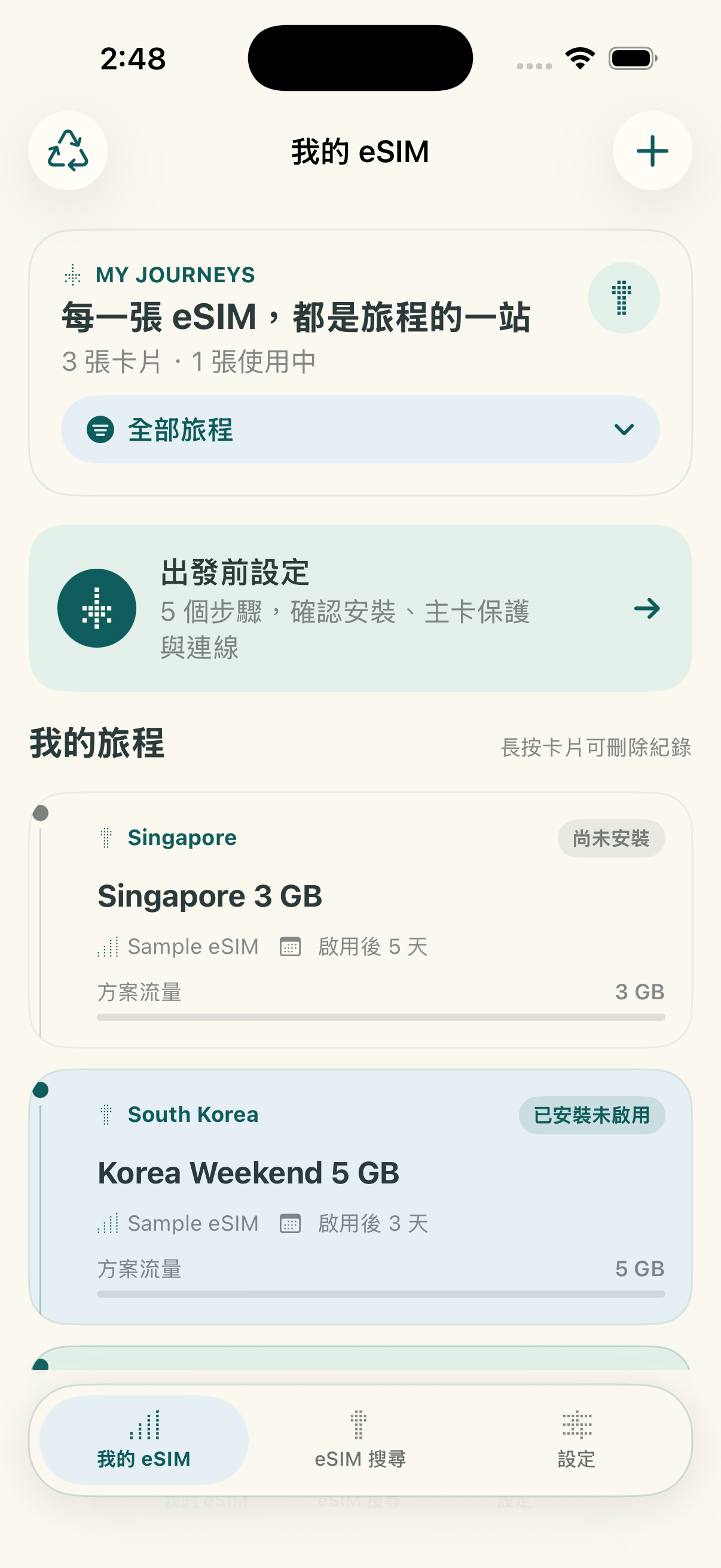
After creating a travel eSIM, the homepage provides a pre-departure portal for users to confirm important items in order.
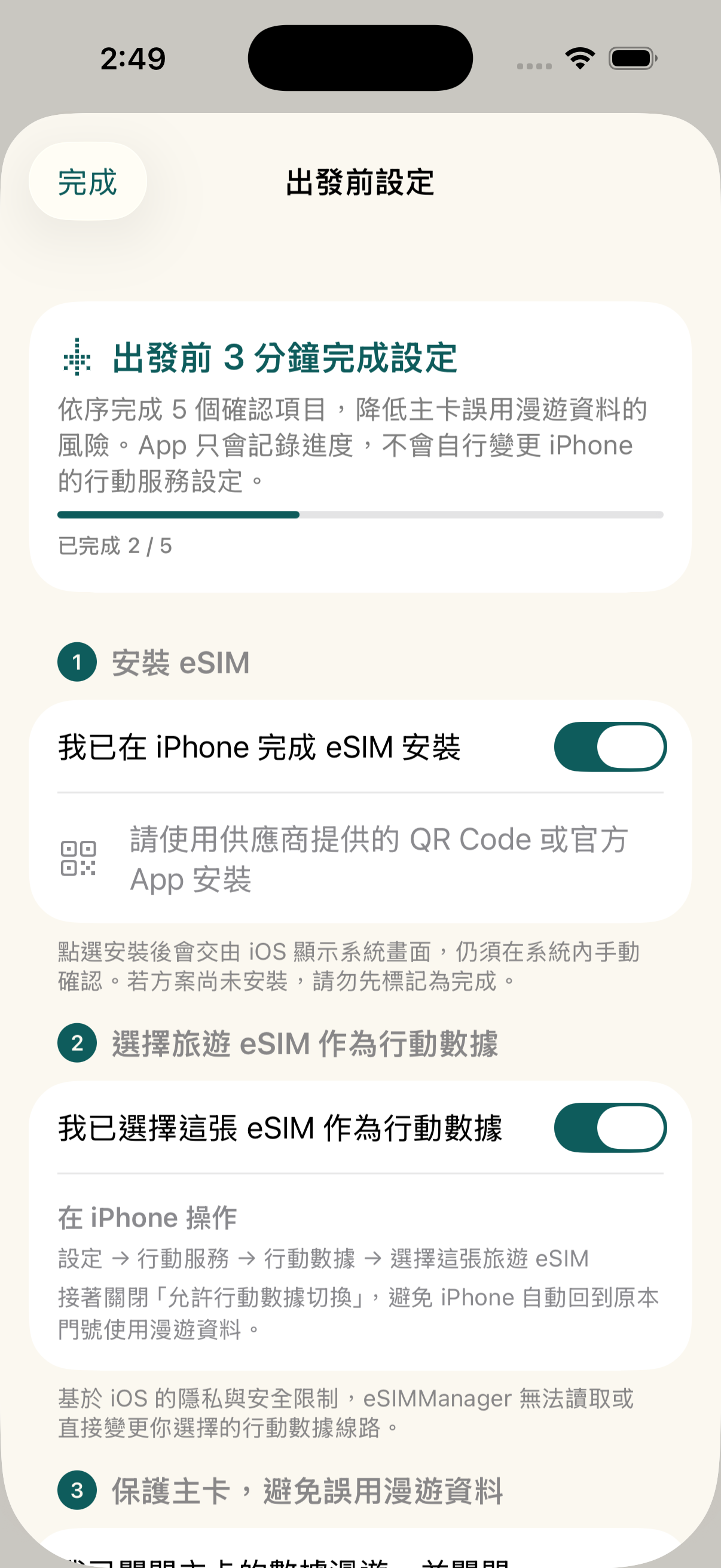
Supports import of common LPA QR codes, images, PDFs, and full LPA strings; recognition depends on certificate format, document content, and image quality.
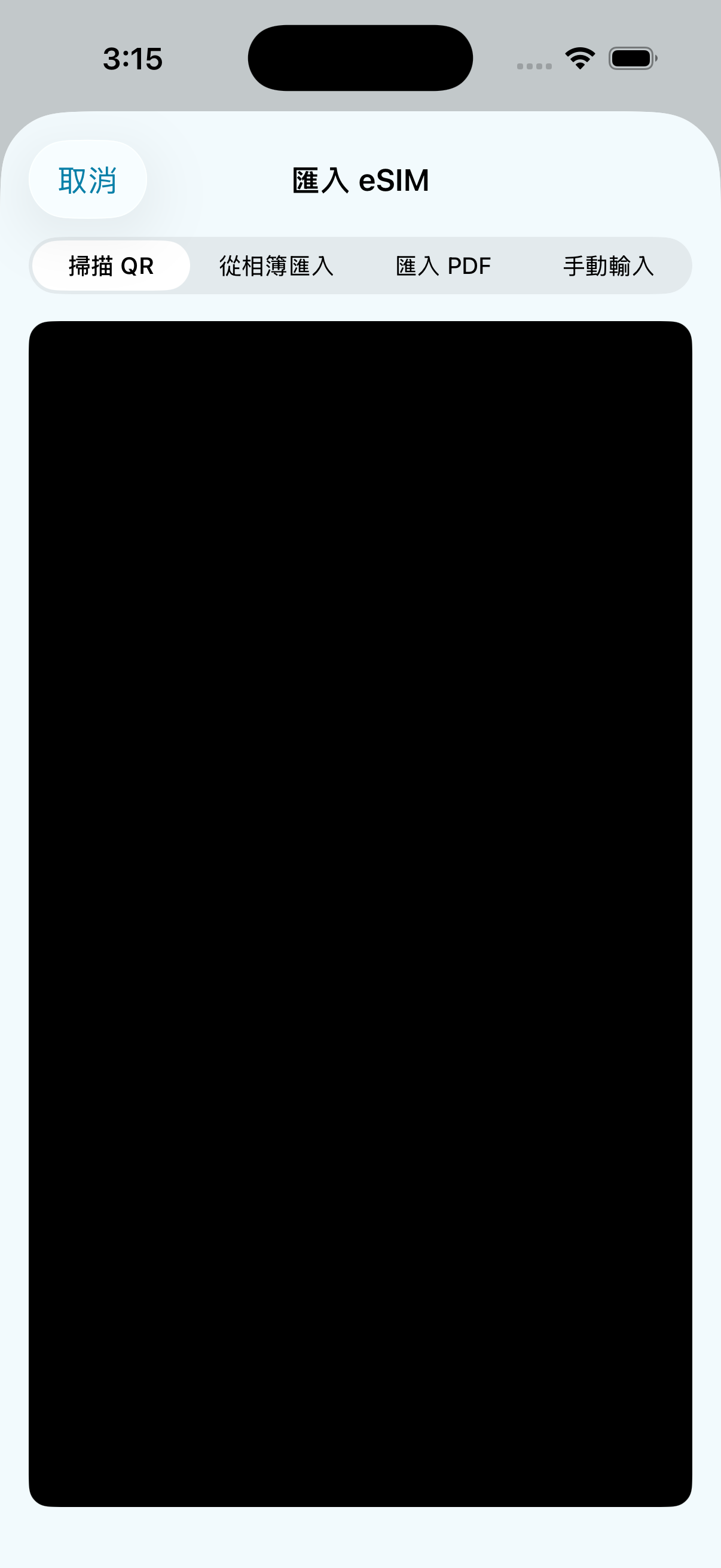
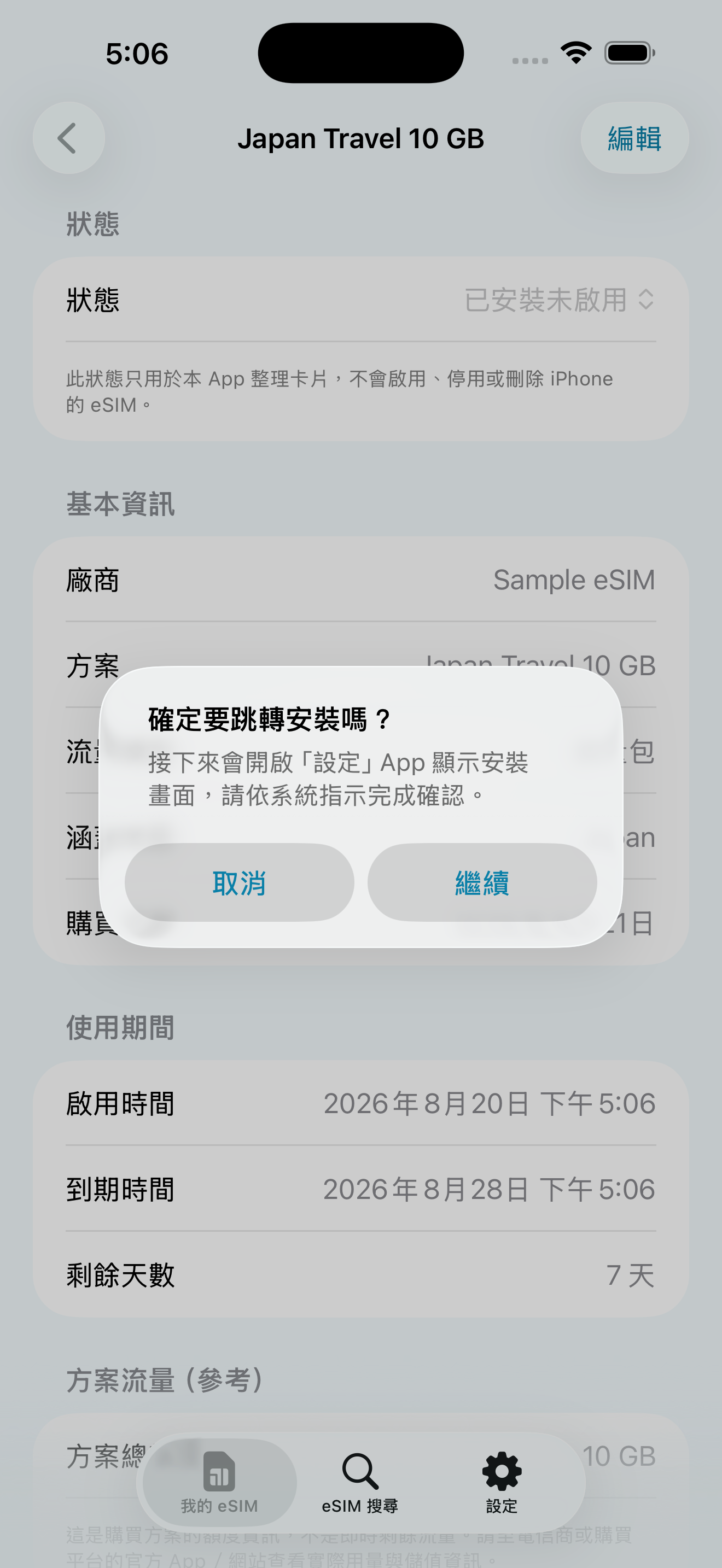
When the information is complete and device support is enabled, you can try to open Apple's system eSIM installation process; it must still be confirmed by the user on the system screen, and the installation results are based on iOS and the vendor.
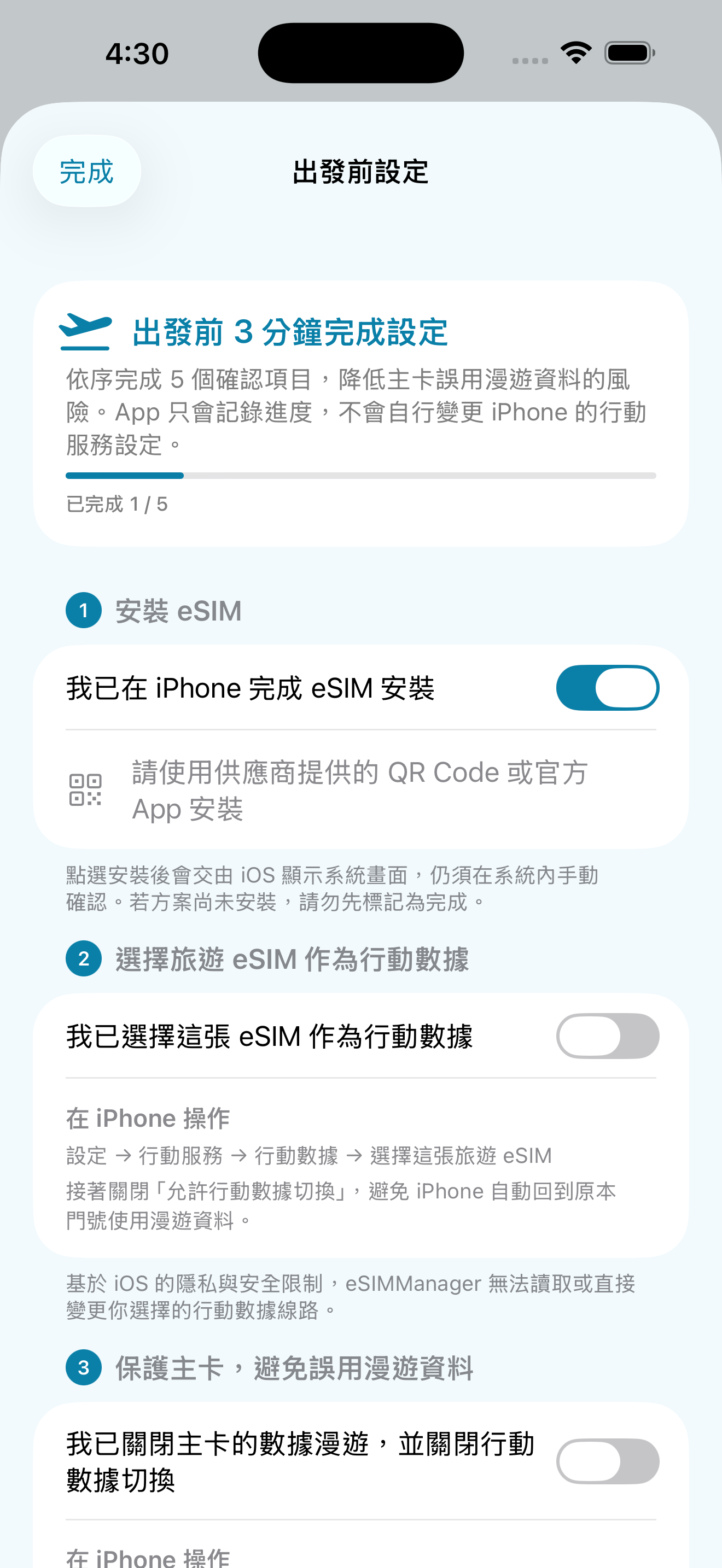
Make sure your primary card's “Data Roaming” and “Allow Mobile Data Switching” are turned off before you leave the country, reducing the risk of high roaming charges.
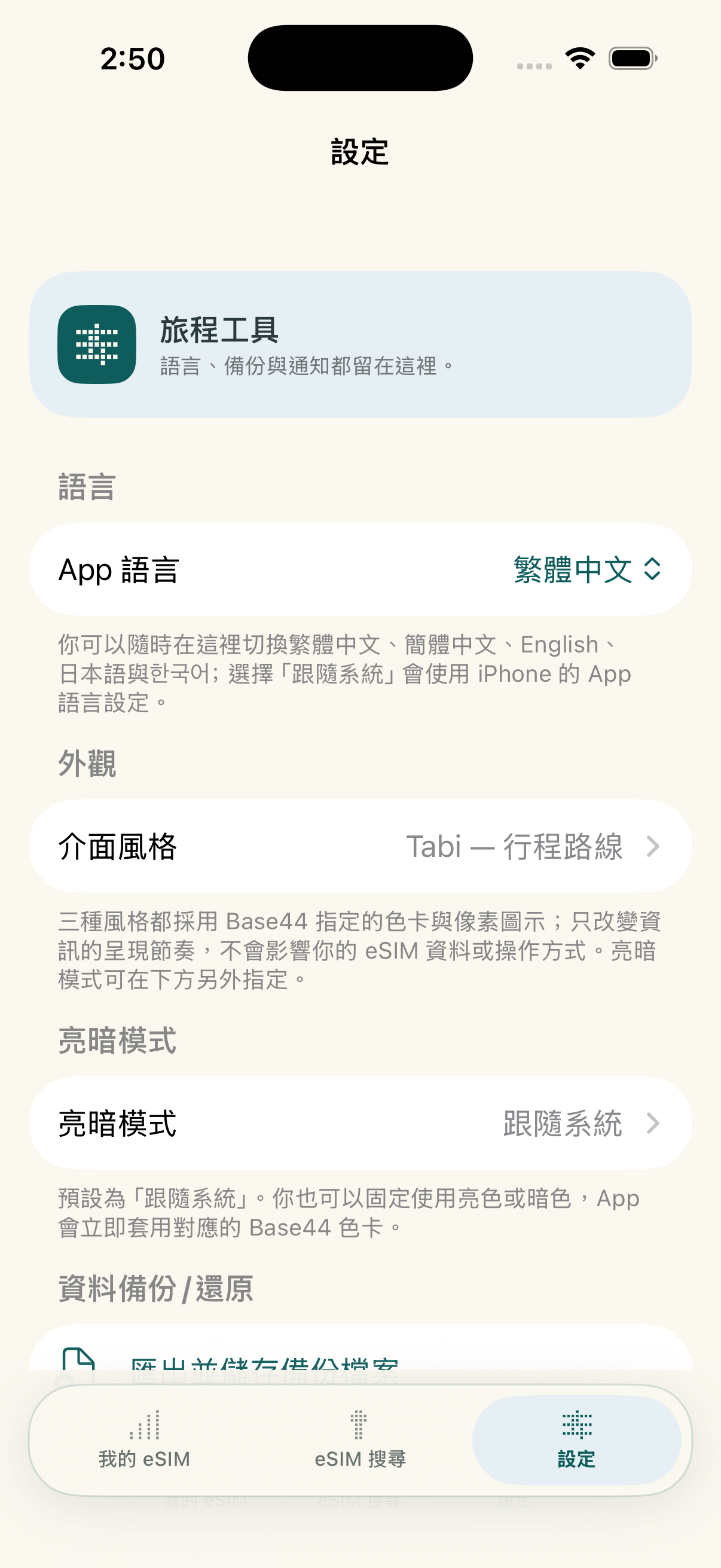
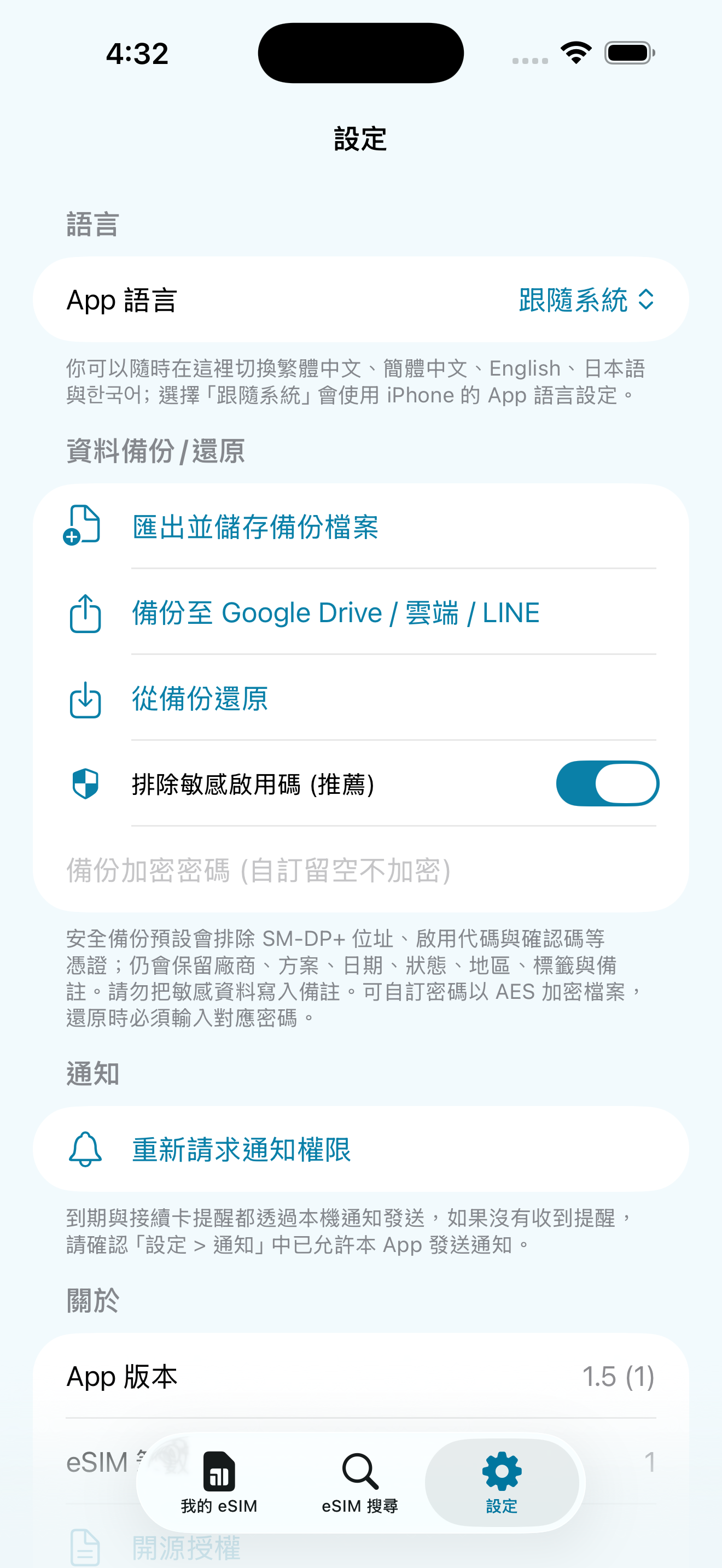
You can switch the language of the app interface directly during your trip, or choose to follow the language of the iPhone system.
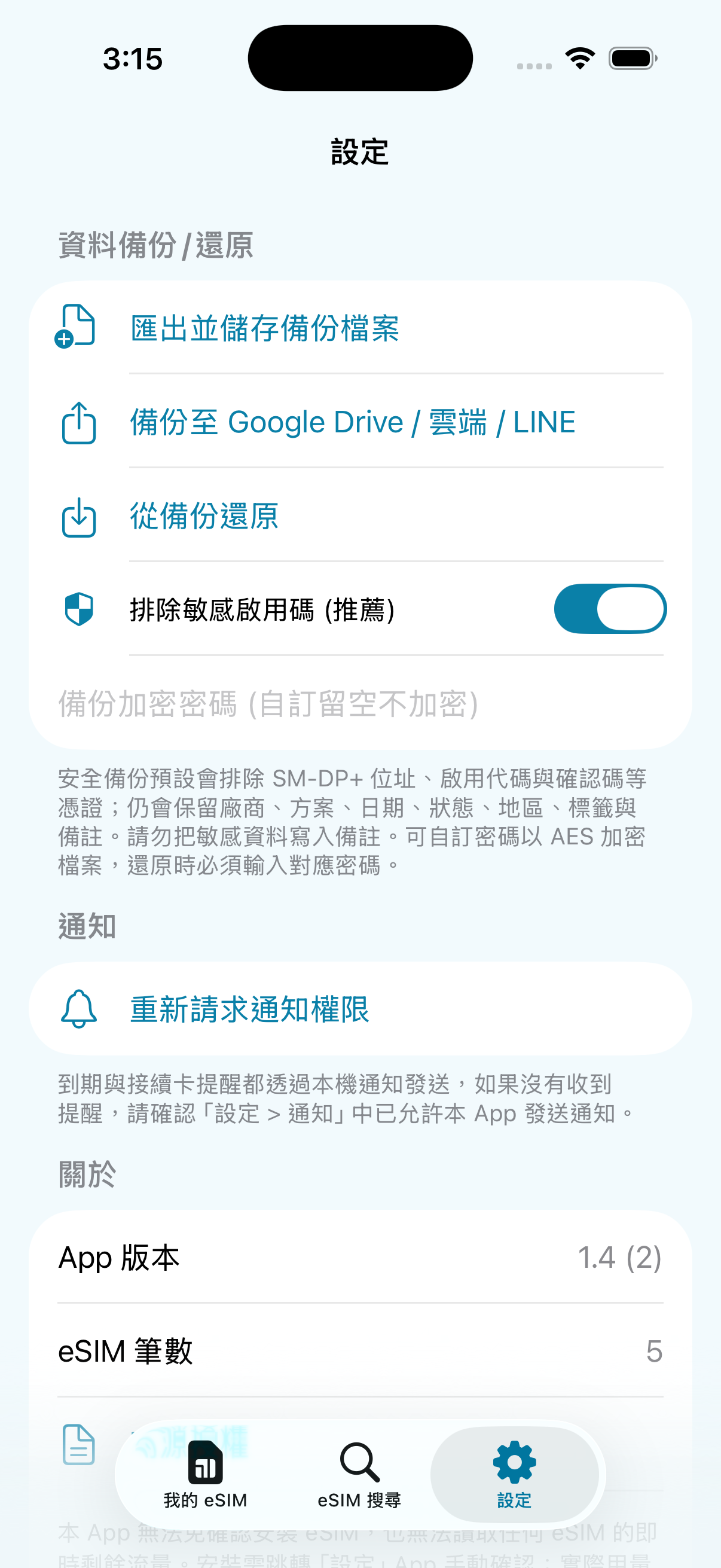
You can export a JSON backup and import card records on a new device; when you set a password, the backup is encrypted with AES-GCM.
There are six steps to purchasing, installing, activating, dosing, and organizing your travel eSIM. You can swipe left and right to see each step; step 4 and 5, tap the phone on the character's hand to see the real app operation screen.




You can switch between Traditional Chinese, Simplified Chinese, English, Japanese, Japanese, or choose to follow the iPhone system language in the app.
Get QR code or LPA activation information, then use eSIMManager to organize and guide your settings. The following are preferred recommendation stores and entrances to Klook, KKday, Airalo, Trip.com and other platforms; actual plans, prices, inventory, and whether eSIM is supported are subject to each platform page.
Browse eSIM and travel card plans; confirm your destination, days of use, how to activate, and item descriptions before placing your order.

The above are the official advertisements or referral links provided by external stores and platforms; some of the links may contain referral/profit sharing parameters. The actual price, promotion and service content are subject to the pages of each platform. After clicking, you will leave the eSIMManager website, and the transactions, goods and services are provided by each store or platform in accordance with its terms.
In order to protect the user's right to know and to align the system with how it really works, we would like to explain the technical rationale and limitations of this app:
The mobile traffic statistics of this app are collected through the Darwin BSD underlying getifaddrs interface, reading local pdp_ip* The cumulative number of transceiver bytes in the mobile data channel. This isDevice-side network traffic estimation reference: Unable to identify which eSIM is actually being used, traffic from other SIMs, interface resets, data waiver offers, and billing cycles can all cause discrepancies. Estimates are updated when the app returns to the outlook, not the carrier's live bill; actual remaining balance is subject to the carrier's official system.
Due to Apple's iOS system security, third-party apps cannot silently install eSIM directly in the background, nor can they change mobile data lines for users. Clicking “Trigger Installation” will only attempt to open Apple's system eSIM installation process; the process and ability to complete the installation will depend on the iOS version, device, network, credentials, and vendor. The user still needs to manually confirm on the system screen.
eSIMManager focuses on providing pure, high-quality local management tools. We welcomeCarriers, eSIM publishers, travel platforms, and partnersNegotiate appropriate leads, brand exposure, and content collaboration.
Negotiate ways to collaborate on standard LPA QR Code compatibility information, brand exposure, and exclusive offers.
Travel platform leads, co-branding campaigns, and diverse business project proposals.
Fill out the form below or send it directly to the official mailbox and we'll get back to you as soon as we can.
LPA:1$ Beginning). Image quality, supplier format, or protected PDF may affect identification; use Manual Input instead to paste the complete LPA string provided by the supplier, or request a standard certificate from the supplier.
Download eSIMManager for free today and organize every travel eSIM into a clear, secure departure flow.
Organize your trips. Keep your connections close.
Turn paper business cards into searchable, editable contact details. Scan cards, organize groups and protect private cards, so important connections are easier to find.
iPhone · Traditional Chinese interface · Taiwan App Store. Free download with ads and in-app purchases. A one-time purchase removes ads permanently and unlocks business features. Check recognized details against the original card.